


Welcome coders, when you are dealing with codes sometimes you have to rewrite the same code segment again and again to do some functionalities. At that time we have a special thing which is known as "Functions" or "Methods". We can create a method by including the code segment that we want to reuse in the program and call that method when we need it. Yes, we all know about that, because when we are entering Programming, methods, and functions were the main topics we must learn.

Although we are able to use methods and functions to do some tasks as mentioned earlier, how can we use this kind of thing in "WEB DESIGNING"? Can we do it in HTML or using some web development language?. Yeah I know, your answer is yes!. We can reuse any code segment by creating a function using PHP or JavaScript in web designing.
But you did not get my point quite well. Actually, I want to reuse some appearance of the website again and again on every web page on the website, not to reuse a function or method that process some task. Can we use the same appearance(same part) on every web page without writing it on all that pages?. Yes, we can. Let's see how can we achieve this.
When we are developing a website we have to add a header part that contains the links such as "Home, About Us, Contact Us, log in" and also a footer that contains some extra information. And also we have to add this header and footer to each and every page of our website. But we can not write the code of this part again and again on each and every page. Although we are able to do it in that manner, we won't do it, because, in case of doing some modifications in the future on that code segment, we have to modify every page which contains that code segment. It is a very inefficient way.
But we can achieve this in a simple manner. To achieve this, we have to use PHP. It is some sort of easiest way to do this. Therefore we have to save our HTML files on our website folder with the ".php" file type. It doesn't affect the content of the HTML file.
Here I have some webpage content with header part and paragraph part. The file type of this file is .php.

And this is the code segment of this webpage.


Now here is the previous index.php file.

And here is the output of that file. The header part is not here because I cut that part.

Now I am going to insert that header part again using one code line. That magic line is <?php require('heder.php') ?>. See the following code.

Here is the output of this code. You can see the header part is again inserted.

There is another function which is known as "require_once('heder.php')" and also "include_once('heder.php')", which are the little improved finctions of <?php require('heder.php') ?> and <?php include('heder.php') ?> functions.
Sometimes we add the same part twice on our webpage as a mistake by forgetting that we previously inserted it. This happens when building very long and complex web pages. But we can prevent this using the second method, which is <?php require() ?> or <?php include() ?> . The same result will be displayed as before but, this will prevent the duplication of the same part automatically. Therefore I strongly recommend to use any of this <?php require() ?> and <?php include() ?> methods on your code.
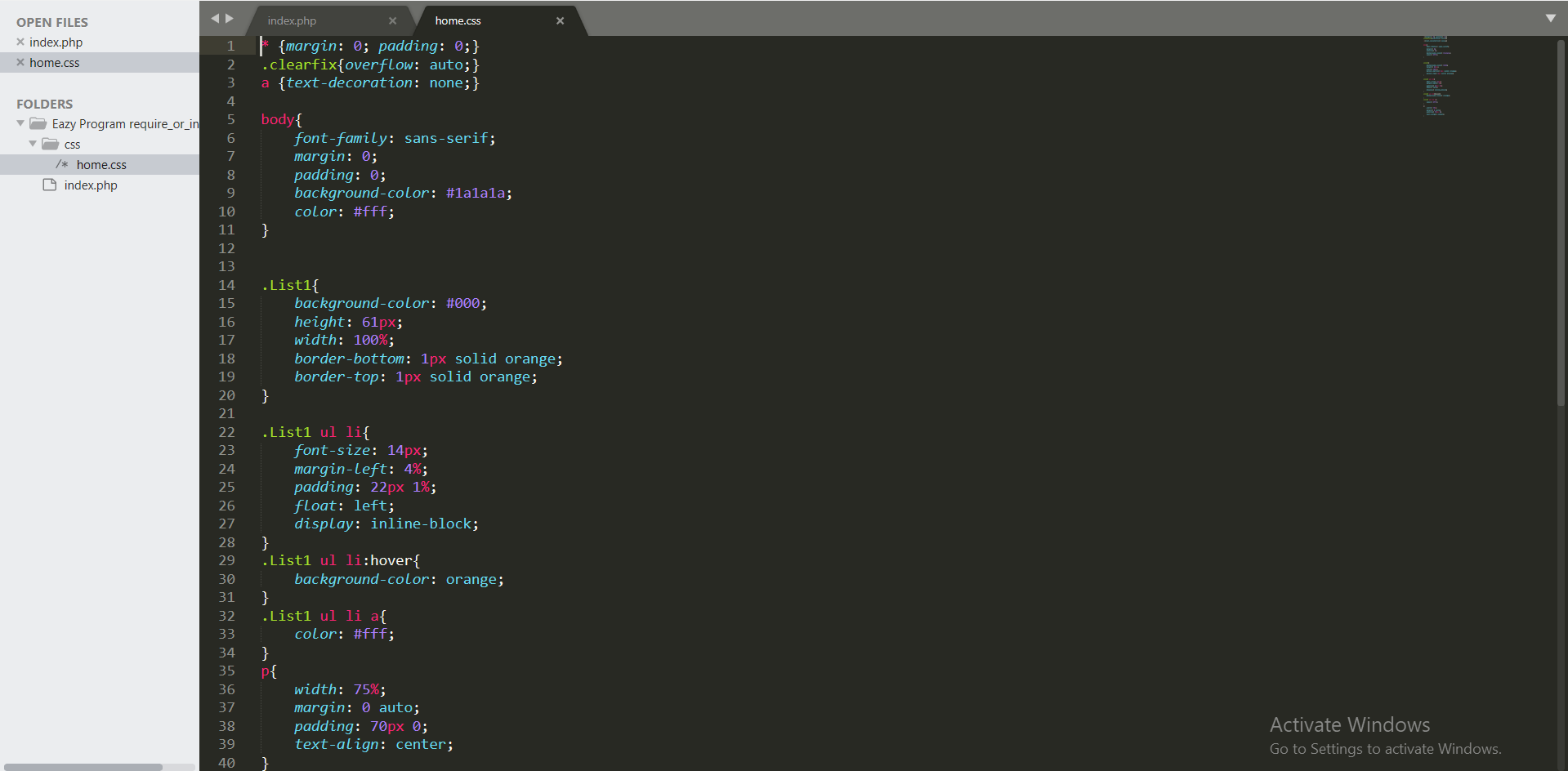
Also, you can separate the styles of the header part into a new file and use it in the "heder.php" file. You can see it in the file I have added below. Download the file and see how I have separated the styles also. By using this technique you can modify your code efficiently.
Using this method you can add the same part into each and every web page in your website without rewriting the same thing or copy and pasting the same code segment. I think this will very helpful to you when you build a website.
Use these tips and make your project or code pleasant with EAZY PROGRAM. If you have any issues or if this post was helpful for you, please leave a comment. Also, share this with your friends on social media and follow us to know these kinds of useful tips, and subscribe to our newsletter to get a notification as soon as we publish a new post. See you soon. Until then, Happy coding... Stay safe...!


